
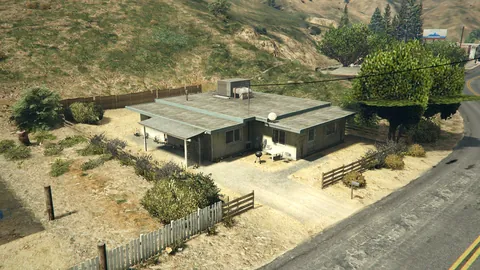
Grapeseed farm RP: jobs, businesses and small-town stories
Practical ideas for Grapeseed farm RP: player-run farms, feed and general stores, an arcade, moonshine and the small-town drama that keeps rural servers busy.
NXBy Team NolX
· 4 min read
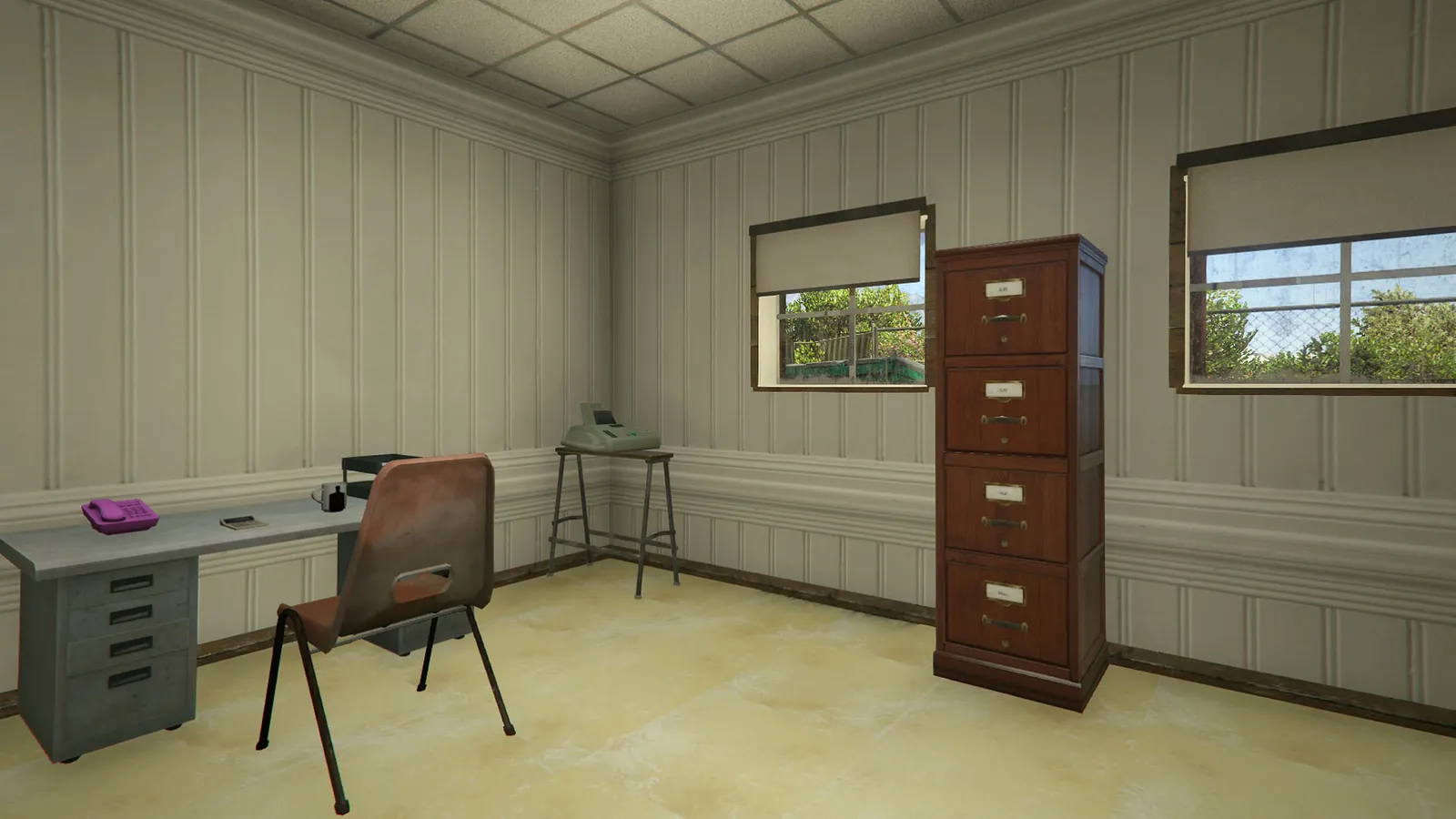
Server owners love buying new interiors. Players love new businesses. Those are not the same thing, and the gap between them is where entity sets earn their keep. One well-made building with swappable sets can host a diner this month, a pawn shop next month and a gang front after that, without streaming anything new.
Every MLO you add costs streaming memory, map space and a slice of your players' attention. Five shops on five streets spread a small population thin. One building in the right spot that changes with the server keeps people coming back to a place they already know.
It also fits how RP actually works. Businesses open, fail and get sold. A storefront that changes hands and gets redecorated is more believable than a city where every business is permanent.
Take a two-storefront building like Main Street Twin Stores or a single shop like the Grapeseed General Store. With wall, floor, furniture and lighting sets, the same rooms can become:
What each building supports depends on the sets it ships with, so check the product page before planning.
ActivateInteriorEntitySet runs on the client. If a script only calls it for the player who pressed a button, everyone else still sees the old layout. Players who join later see the default. That is the bug that makes most "switchable" interiors look broken on live servers.
The fix is to keep the current layout on the server and have every client apply it.
GlobalState is a state bag that every client can read and react to. The server writes one value per building, clients listen and apply the sets.
-- server.lua
local KEY = 'mlo:mainstreet_east'
local VALID = { diner = true, pawn = true, tattoo = true, front = true, vacant = true }

-- restore the last layout after a restart
GlobalState[KEY] = GetResourceKvpString(KEY) or 'vacant'

RegisterCommand('setlayout', function(source, args)
    local layout = args[1]
    if not VALID[layout] then return end
    GlobalState[KEY] = layout
    SetResourceKvp(KEY, layout)
end, true) -- restricted: needs an ace permission
In practice you would call this from your property or business script when a unit is bought or sold, not just from a command. The command is there for staff.
-- client.lua
local KEY = 'mlo:mainstreet_east'
local COORDS = vec3(1700.0, 4800.0, 42.0) -- placeholder, use your own

local LAYOUTS = {
    diner  = { 'walls_warm', 'furniture_diner', 'lights_warm' },
    pawn   = { 'walls_plain', 'furniture_pawn', 'lights_neutral' },
    tattoo = { 'walls_clean', 'furniture_studio', 'lights_bright' },
    front  = { 'walls_plain', 'furniture_sparse', 'basement_hideout' },
    vacant = { 'walls_bare' },
}

local function allSets()
    local seen, list = {}, {}
    for _, sets in pairs(LAYOUTS) do
        for _, name in ipairs(sets) do
            if not seen[name] then seen[name] = true; list[#list + 1] = name end
        end
    end
    return list
end
local ALL = allSets()

local function apply(layout)
    local interior = GetInteriorAtCoords(COORDS.x, COORDS.y, COORDS.z)
    if interior == 0 or not LAYOUTS[layout] then return end

    for _, name in ipairs(ALL) do
        DeactivateInteriorEntitySet(interior, name)
    end
    for _, name in ipairs(LAYOUTS[layout]) do
        ActivateInteriorEntitySet(interior, name)
    end
    RefreshInterior(interior)
end

AddStateBagChangeHandler(KEY, 'global', function(_, _, value)
    apply(value)
end)

CreateThread(function()
    local interior = 0
    while interior == 0 do
        interior = GetInteriorAtCoords(COORDS.x, COORDS.y, COORDS.z)
        Wait(500)
    end
    while not IsInteriorReady(interior) do Wait(100) end
    apply(GlobalState[KEY])
end)
The set names here are examples. Use the real ones listed in the resource you installed.
If you would rather tie it to the building owner instead of a global key, use your property script's own data and set the state bag from there. The client side stays the same.
Swapping sets should be an event, not a toggle. Some ways to make it part of the RP:
The buildings are only as alive as the stories you run through them. Entity sets just make it cheap to change the stage. If you want a big library of interiors to rotate through, the All Access Pass covers every current and future release.
Keep reading
Practical ideas for Grapeseed farm RP: player-run farms, feed and general stores, an arcade, moonshine and the small-town drama that keeps rural servers busy.
Ten mafia and gang RP ideas built around Richman mansions: hidden vaults, wine cellar meetings, cinema rooms, pool parties and estates worth fighting over.
How to run Sandy Shores drug lab roleplay that survives more than one raid: pacing, locations, police hooks and trailer interiors with hidden basements.