
Updating your FiveM server game build without breaking maps
How sv_enforceGameBuild works, why newer maps need a recent build, and a safe step-by-step process to update your server without missing interiors.
NXBy Team NolX
· 4 min read
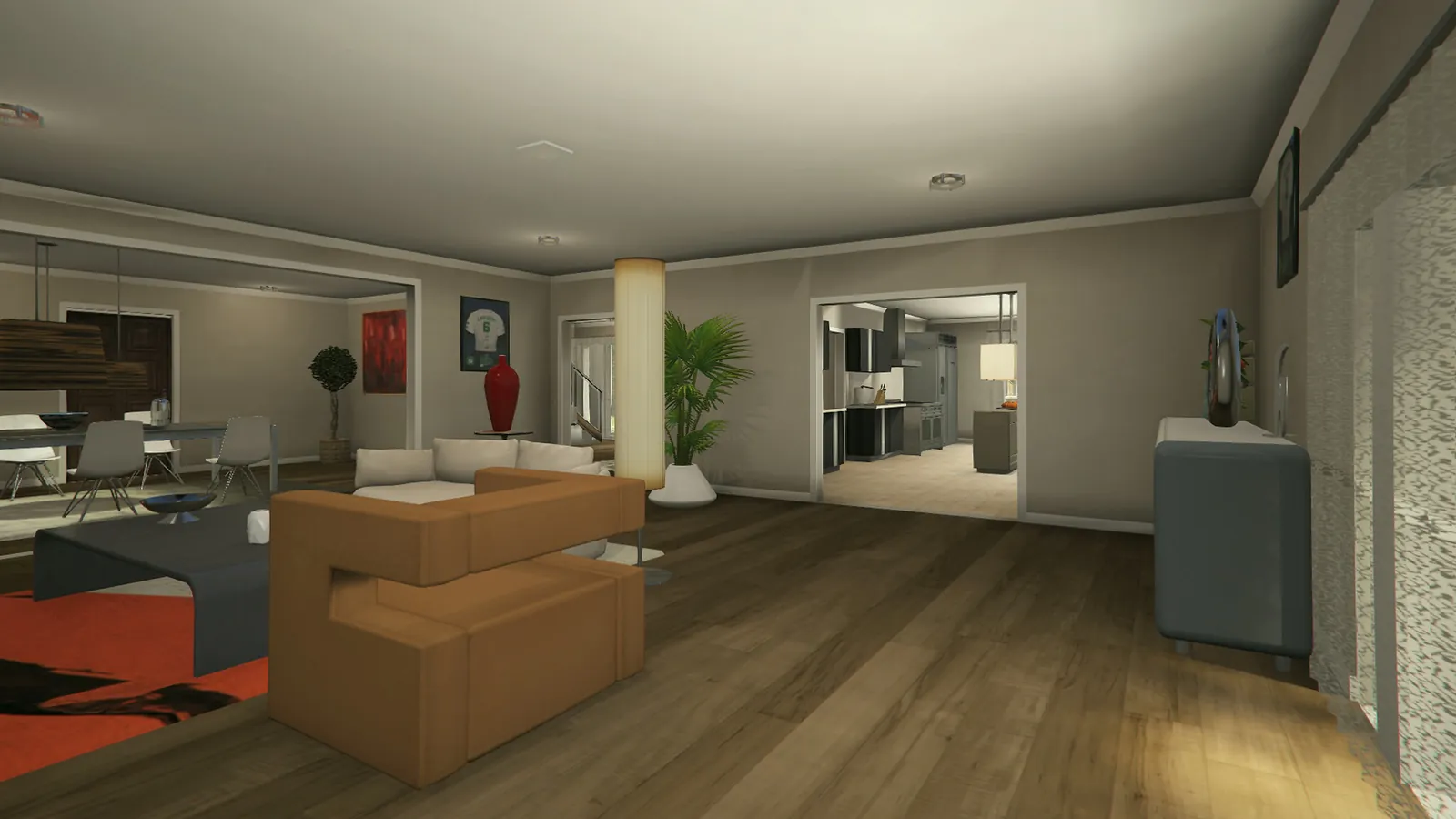
An MLO on its own is a set of rooms. It becomes part of your server when the doors lock, the closet holds items and the house belongs to someone. Our interiors are standalone on purpose, so none of that is baked in. This is how we wire them up on our own test servers using the ox stack.
Everything below uses placeholder coordinates. Grab your own in-game with a coords command or a dev tool, and adapt names to your resource.
You need the usual dependencies running and in the right order in server.cfg:
ensure oxmysql
ensure ox_lib
ensure ox_target
ensure ox_inventory
ensure ox_doorlock

ensure your_mlo_resource
Your framework (ESX, QBCore or QBox) goes before the ox resources as usual. The MLO itself has no dependencies, so its position in the list does not matter much, but keeping maps together makes life easier.
ox_doorlock stores doors in the database and you create them in-game with the /doorlock command. Stand near the door, open the menu, pick the door entity and fill in the settings. For double doors, select both leaves.
The fields you will actually care about look like this. This is an illustration of the data, not a file you need to create:
-- Illustration of a door entry, edit through /doorlock
{
    name = 'richman_family_front',
    coords = vec3(-1000.0, 500.0, 70.0),   -- placeholder
    state = 1,                              -- 1 = locked
    maxDistance = 2.0,
    groups = { police = 2 },                -- job grade 2+ can open
    items = { 'house_key_family' },         -- or a key item
    lockpick = true,
    autolock = 300,                         -- seconds
}
A few habits that save headaches:
richman_family_front and richman_family_garage are easier to find in a year than door_43.If a door does not show up as selectable, it is usually because the frame and the door are a single static mesh in that interior. In that case place a door prop or ask yourself whether that door really needs to lock.
Register the stash on the server once, then open it from the client through a target zone.
-- server.lua
exports.ox_inventory:RegisterStash(
    'richman_family_closet',   -- id
    'Bedroom Closet',          -- label
    50,                        -- slots
    100000,                    -- max weight (grams)
    true                       -- owner: one stash per player
)
Setting owner = true gives each player their own instance of the stash. That is fine for a personal locker, but for a shared house stash you want a single inventory, so pass false and control access through the door and the target zone.
-- client.lua
exports.ox_target:addSphereZone({
    coords = vec3(-1005.0, 505.0, 75.0),  -- placeholder
    radius = 0.8,
    options = {
        {
            name = 'family_closet',
            icon = 'fa-solid fa-box-open',
            label = 'Open closet',
            onSelect = function()
                exports.ox_inventory:openInventory('stash', 'richman_family_closet')
            end,
        },
    },
})
For a business, add groups = 'yourjob' to the target option so only employees see it.
Many of our interiors have underground entity sets: meth lab, grow room, distillery, gun workshop, hideout. These are perfect for stashes that should not be obvious. Put the target zone in the basement and lock the basement door with a separate key item. Now the house has two levels of access, and a police raid needs two steps.
If you switch the basement set later, remember to move or disable the matching zone. A stash floating in an empty room breaks immersion fast.
ox does not include a housing system, so ownership depends on your framework or a housing script. The simple approach that works with any of them:
Because our MLOs are walk-in interiors, you do not need teleports or instanced shells. The house is physically there, which makes break-ins, raids and visits feel natural.
Walk every entrance with a character that should not have access. Try lockpicking. Open the stash with two players at once. Restart the resource and confirm the doors come back in the right state. Ten minutes of this beats a week of support tickets from your own players.
Want a property to practise on? The Richman Family Home has a clear layout and a sensible number of doors. For a business, the Grapeseed General Store is a good first try. If you are doing this for a whole neighbourhood, the packs save you a lot of time.
Keep reading
How sv_enforceGameBuild works, why newer maps need a recent build, and a safe step-by-step process to update your server without missing interiors.
A practical guide to the usual FiveM MLO bugs, from invisible walls and missing floors to flickering rooms and dark interiors, with the real cause behind each.
Bought a FiveM resource and it refuses to load with an escrow or authorization error? Here are the real causes, in the order you should check them.