
Invisible walls, falling through floors: fixing common MLO bugs
A practical guide to the usual FiveM MLO bugs, from invisible walls and missing floors to flickering rooms and dark interiors, with the real cause behind each.
NXBy Team NolX
· 4 min read
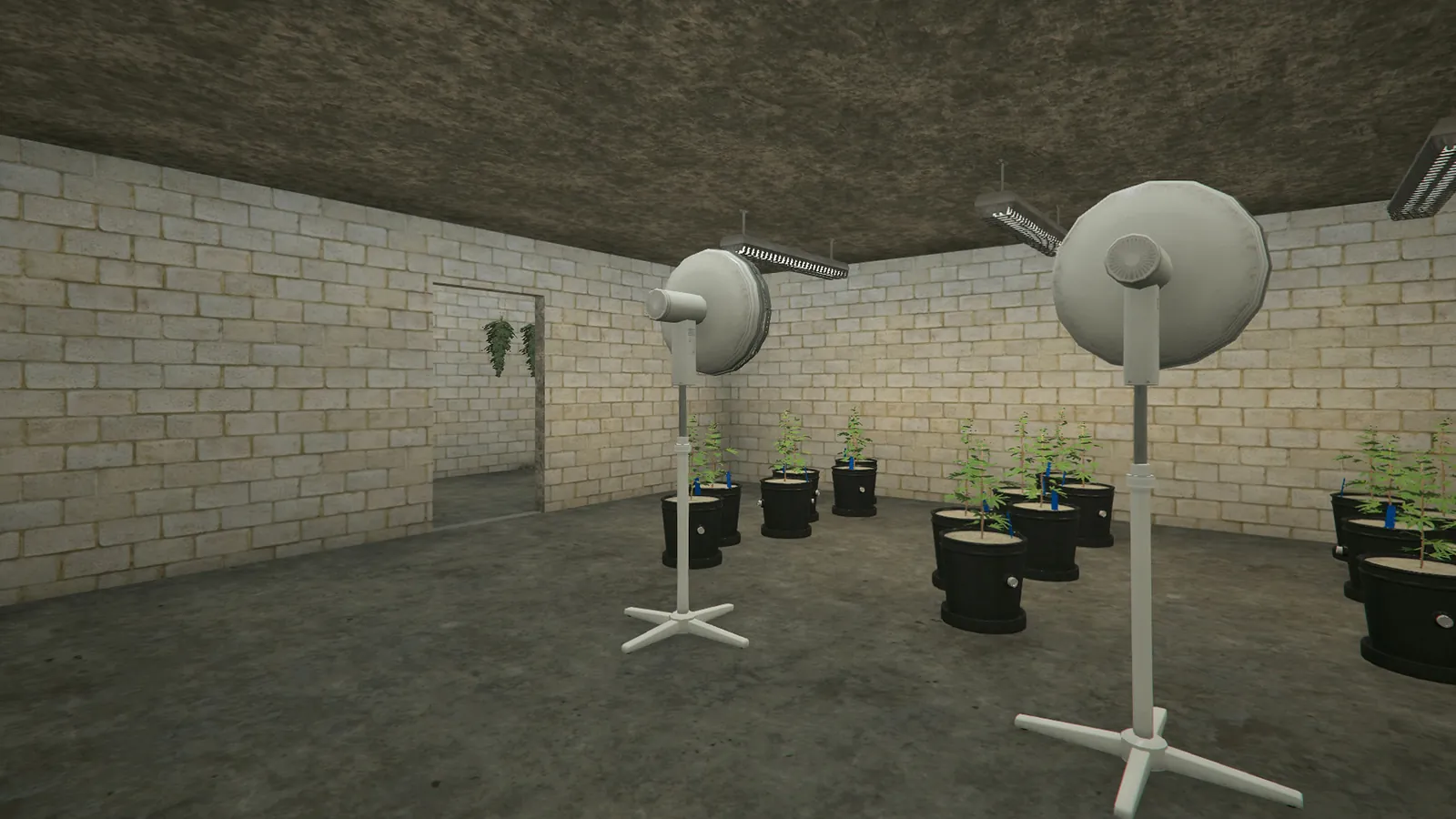
Sooner or later a map or script you want will say "requires game build 3717" and your server is sitting on 2802 because nobody touched it in two years. Updating the build is easy to do and easy to get wrong. Here's what it actually changes and how to do it without waking up to a city full of missing interiors.
FiveM can run on top of different versions of GTA V. Each game build corresponds to a Rockstar update, and each one adds content: DLC vehicles, props, interiors, clothing, and sometimes changes to existing map data.
Your server picks one with a single line in server.cfg:
sv_enforceGameBuild 3717
Every client that connects is switched to that build. If you don't set it, FiveM falls back to the old default build, which lacks years of DLC content.
Custom MLOs use vanilla props constantly. Chairs, lamps, kitchen units, decals, plants. Many of the nicer props come from later DLCs. If the map references a prop that doesn't exist in your build, that prop simply isn't there. No error popup, just an empty spot where the sofa should be.
It gets worse with vanilla edits. Maps that modify vanilla ymaps or collisions are built against a specific build's versions of those files. Run them on an older build and you can end up with floating objects, holes in terrain or doubled buildings.
That's why our maps list a minimum: 2944 or newer for the Richman houses, 3717 or newer for Grapeseed and Sandy Shores.
Don't do this on your live server first. Ever.
server.cfg and the resources folder. If you use a database, back that up too, even though the build doesn't touch it.On a test server (same resources, different port and key from the same Cfx.re account):
# server.cfg
sv_enforceGameBuild 3717
Then:
Once you're in, check what matters:
[ ] Every MLO loads (teleport to each one)
[ ] Entity sets toggle correctly (basements, furniture variants)
[ ] No missing props in furnished rooms
[ ] Collisions solid, no falling through floors
[ ] No oversized asset warnings you didn't have before
[ ] Scripts that touch peds, vehicles or clothing still behave
The last point catches people out. Clothing packs, in particular, can shift when the build changes, because new DLC clothing shifts the drawable indexes. If your server uses EUP or custom clothing, test outfits too.
A map looks wrong or doubled. Two resources are editing the same vanilla area, and the new build exposed it, or a map was built for an older build's ymap and now conflicts. Check for duplicate ymap and ybn file names across resources and merge them. Our occlusion article covers how to find duplicates.
Interiors flicker or vanish. Often a vanilla interior that changed between builds is now overlapping a custom MLO. This article on portals and flickering goes into detail.
Escrowed resources stopped loading. Not a build issue, but it often happens at the same time because people swap license keys during the update. Re-check that sv_licenseKey comes from the account that owns the assets.
Players can't connect or get stuck loading. Their client hasn't finished downloading the build data, or they have a broken cache. Clearing the FiveM cache usually fixes it.
My opinion: go to the newest build that all your important resources support, then stay there until something gives you a reason to move. Being on the latest build for its own sake gains you nothing, but sitting on a build from years ago locks you out of most modern maps and vehicles.
If you're between builds, check each paid resource's requirements first. Most creators state a minimum; few state a maximum, because newer builds rarely break correctly made maps.
If things go badly, change the number back and restart. The build itself doesn't modify your files, so rolling back is safe. That's another reason to do it on a test server: you can flip between builds in minutes and compare.
Once you're on 3717 or newer, the whole Grapeseed range, including the Feed Store, runs as intended.
Keep reading
A practical guide to the usual FiveM MLO bugs, from invisible walls and missing floors to flickering rooms and dark interiors, with the real cause behind each.
A practical walkthrough for wiring an MLO into your server with ox_doorlock, ox_inventory stashes and ox_target, plus how to handle ownership for housing.
Bought a FiveM resource and it refuses to load with an escrow or authorization error? Here are the real causes, in the order you should check them.