
Updating your FiveM server game build without breaking maps
How sv_enforceGameBuild works, why newer maps need a recent build, and a safe step-by-step process to update your server without missing interiors.
NXBy Team NolX
· 4 min read
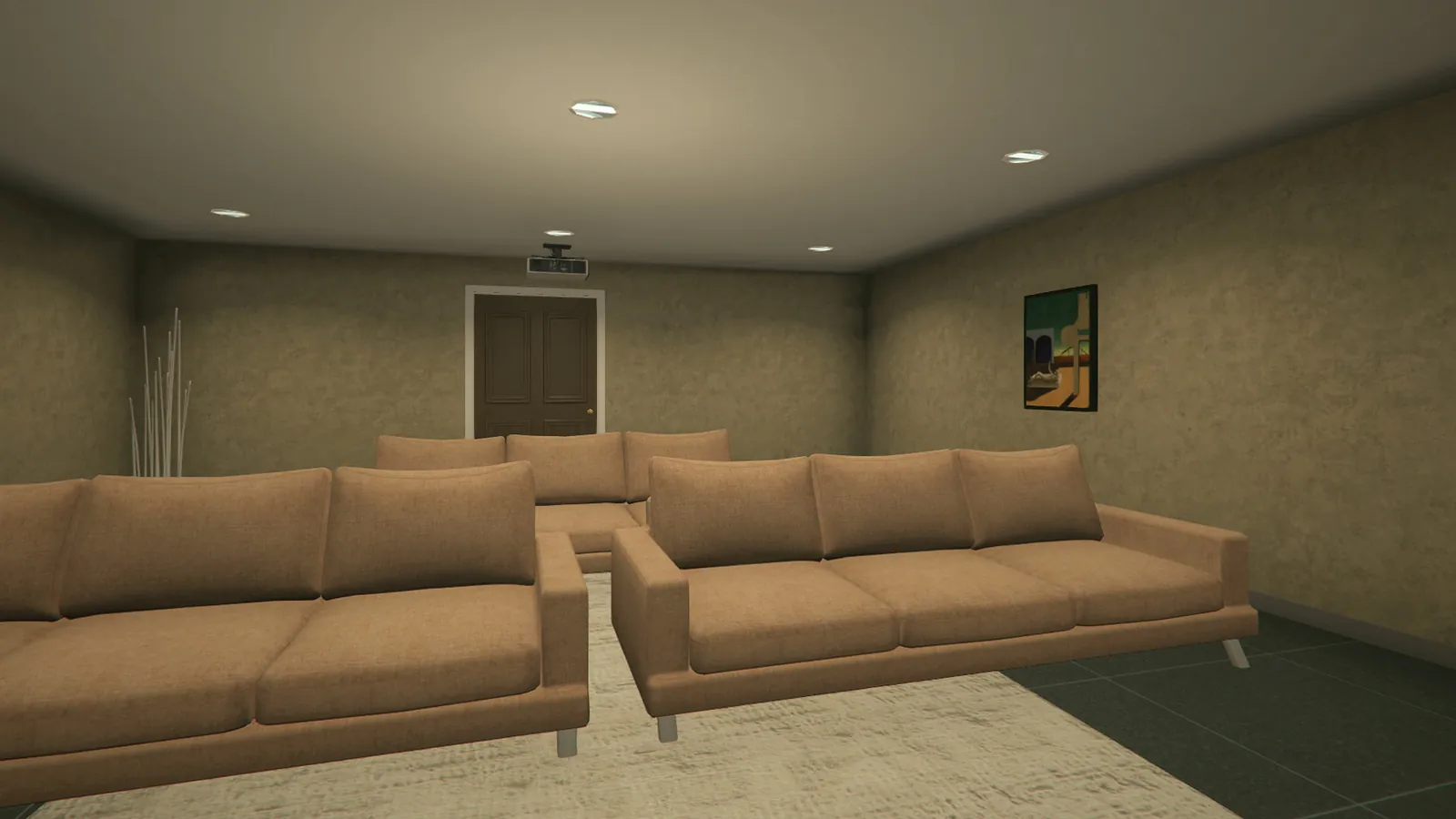
Entity sets are one of the most useful things an MLO can offer and one of the least used. Most server owners pick a set once in the config and never touch it again. With a few lines of Lua you can change a room's look while players are standing in it.
Inside an MLO's .ytyp file, the mapper can group props into named sets. A set might be "party decorations", "empty garage", "drug lab equipment" or "renovated kitchen". Each set can be turned on or off independently, and the game only draws the props of active sets.
Rockstar uses this all over GTA Online: the bunker upgrades, nightclub styles and apartment decor are all entity sets. FiveM exposes the same natives.
All of these are client-side:
GetInteriorAtCoords(x, y, z) returns the interior ID at a position.IsInteriorReady(interiorId) tells you whether the interior has finished loading.ActivateInteriorEntitySet(interiorId, setName) turns a set on.DeactivateInteriorEntitySet(interiorId, setName) turns a set off.IsInteriorEntitySetActive(interiorId, setName) checks the current state.RefreshInterior(interiorId) forces the game to redraw with the new state.The one people forget is RefreshInterior. Without it, changes may not show until the player leaves and comes back.
You need the exact set names. On a well-made MLO they are listed in config.lua, which on our maps is left unencrypted so you can read it. If not, open the .ytyp in CodeWalker and look under the MLO archetype's entity sets.
For coordinates, stand inside the interior and print your position from the F8 console or a quick command. Any point inside a room works; it does not have to be the centre.
This client script swaps between two furniture styles in one interior. Replace the coordinates and set names with the ones from your map.
-- client.lua
local INTERIOR_POS = vector3(-1520.4, 115.2, 50.8)

local STYLES = {
    classic = 'pps_style_classic',
    modern  = 'pps_style_modern',
}

local function getInterior()
    local id = GetInteriorAtCoords(INTERIOR_POS.x, INTERIOR_POS.y, INTERIOR_POS.z)
    if id == 0 then return nil end

    local timeout = GetGameTimer() + 5000
    while not IsInteriorReady(id) do
        if GetGameTimer() > timeout then return nil end
        Wait(100)
    end
    return id
end

local function applyStyle(styleKey)
    local target = STYLES[styleKey]
    if not target then return end

    local interiorId = getInterior()
    if not interiorId then return end

    for _, setName in pairs(STYLES) do
        if setName ~= target and IsInteriorEntitySetActive(interiorId, setName) then
            DeactivateInteriorEntitySet(interiorId, setName)
        end
    end

    if not IsInteriorEntitySetActive(interiorId, target) then
        ActivateInteriorEntitySet(interiorId, target)
    end

    RefreshInterior(interiorId)
end

RegisterCommand('housestyle', function(_, args)
    applyStyle(args[1] or 'classic')
end, false)
Type /housestyle modern in-game and the furniture changes in front of you. That is enough for testing.
Two things to note. GetInteriorAtCoords returns 0 if the interior is not streamed in yet, which is why the function bails out early. And the wait loop has a timeout so a bad coordinate does not hang the thread forever.
Entity sets are local to each client. If one player runs the command, only their game changes. For anything real you want the server to own the state and every client to follow it.
State bags handle this neatly. On the server:
-- server.lua
GlobalState.houseStyle = GlobalState.houseStyle or 'classic'

RegisterCommand('sethousestyle', function(source, args)
    local style = args[1]
    if style ~= 'classic' and style ~= 'modern' then return end
    GlobalState.houseStyle = style
end, true) -- restricted: needs an ACE permission
And on the client, replace the test command with a listener plus an initial apply:
-- client.lua (add below applyStyle)
AddStateBagChangeHandler('houseStyle', 'global', function(_, _, value)
    applyStyle(value)
end)

CreateThread(function()
    Wait(2000)
    applyStyle(GlobalState.houseStyle or 'classic')
end)
Now any admin with the permission can run /sethousestyle modern, and everyone sees it, including players who join later.
When a player drives far away, the interior unloads. To be safe, reapply the current style when they come back into range. A simple approach is a slow loop that checks distance every few seconds and calls applyStyle once when the player gets close. Do not run it every frame; it is not needed and it costs performance for nothing.
Hook applyStyle into your housing script or business system and the interior reacts to what players actually do. That is where entity sets stop being a config option and start being a roleplay tool.
Keep reading
How sv_enforceGameBuild works, why newer maps need a recent build, and a safe step-by-step process to update your server without missing interiors.
A practical guide to the usual FiveM MLO bugs, from invisible walls and missing floors to flickering rooms and dark interiors, with the real cause behind each.
A practical walkthrough for wiring an MLO into your server with ox_doorlock, ox_inventory stashes and ox_target, plus how to handle ownership for housing.