
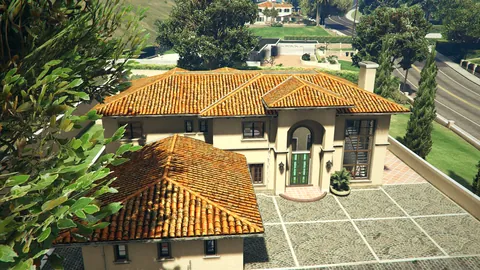
Doors, portals and flickering interiors: a mapper's explanation
Why FiveM interiors flicker, vanish through doorways or show the outside world: how MLO rooms and portals work and what usually goes wrong with them.
NXBy Team NolX
· 4 min read
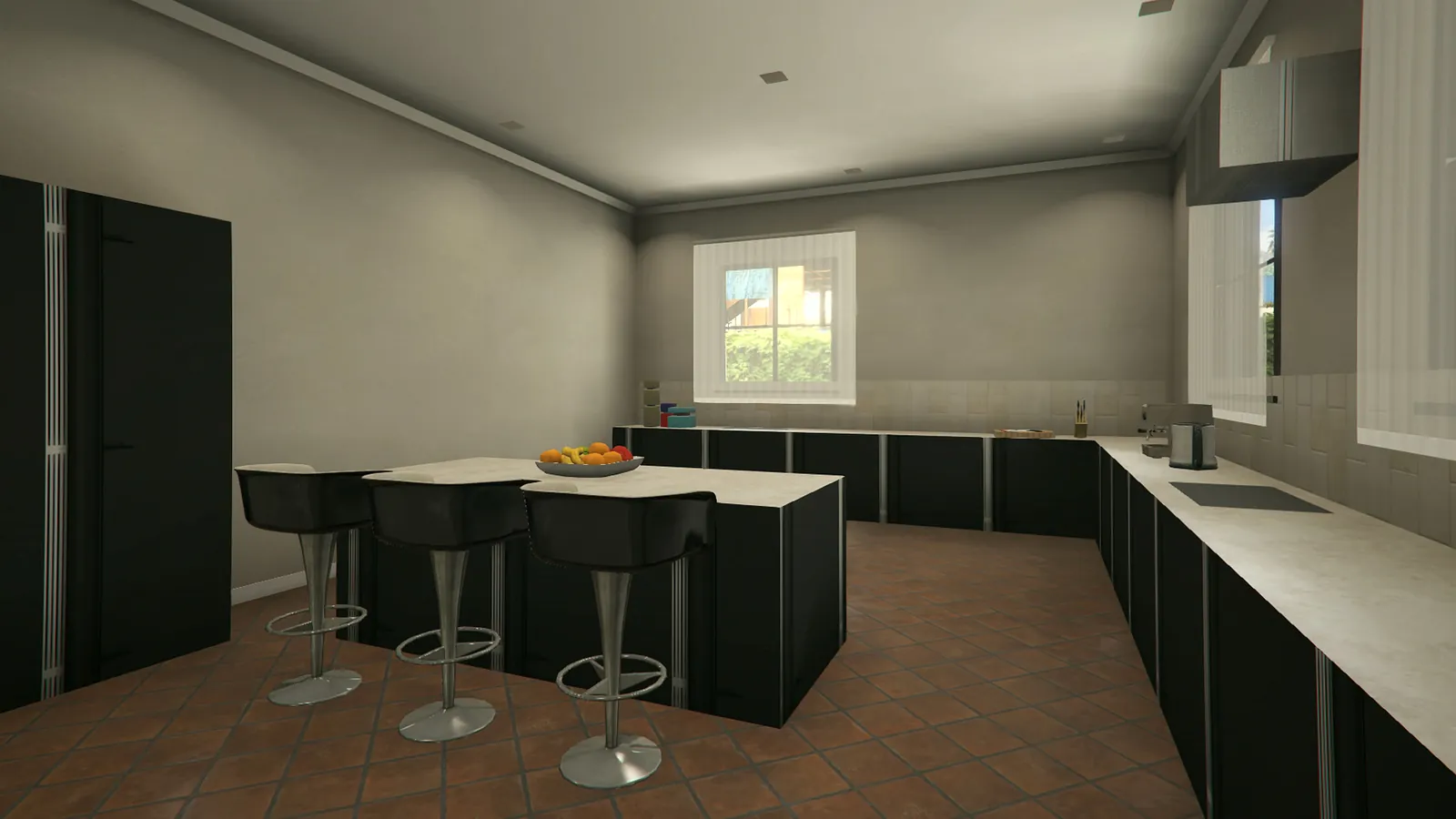
Most interiors look fine in screenshots because screenshots are taken at 2 p.m. with clear weather. The real test is a player walking into the living room at night, in the rain, with the interior lights on. That is where you see whether the lighting was designed or just added.
Here is how we approach it, and what we wish we had known earlier.
Lighting an MLO comes down to three things working together:
Beginners usually lean on one of these and ignore the rest. A room with only emissives looks like stickers. A room with only lights looks flat. A room with no timecycle looks like the exterior weather has wandered indoors.
We place lights where light would really come from. Ceiling fixtures, lamps, under-cabinet strips in a kitchen, the glow from a fridge if it is open in a set. Then we add fill lights, which are softer, lower-intensity lights that stop corners from going pure black. Players should never need a flashlight inside a normal home.
Things to watch:
Emissive shaders are what sell a room at night. A lamp shade that glows, a TV screen, an arcade cabinet. In the Grapeseed Arcade, the cabinets and signs are doing a lot of the atmosphere work, with real lights filling the space around them.
Some emissive shaders only turn on at night. That is useful for windows and neon signs, but test it: an emissive that switches on at 8 p.m. while the matching real light stays off looks broken.
The common mistake is cranking emissive intensity until it blooms. It looks great in one screenshot and terrible when you stand next to it. Keep it believable, then let the real lights do the heavy work.
Each room in an MLO can reference a timecycle modifier. This is the step that makes an interior feel like an interior. It controls things like exposure and how much exterior light the room receives.
We use different modifiers depending on the room:
Wrong modifiers give you the classic symptom: the basement brightens at noon because the game still thinks sunlight is pouring in.
Portals do more than control rendering. They are also how the outside light reaches a room. If a window has no portal, the room will feel sealed. If a portal is bigger than its opening, light comes through walls. We spend more time on this than on almost anything else.
Every interior gets checked at the same times:
At each time we walk every room, and we look out from inside and in from outside. Windows that glow at night from the street are part of the build, because players see the house from the road far more often than they see it from inside.
Lighting moods can be entity sets too. Party lights in the pool house, a darker mood for a hideout, work lights in a garage. Switching them uses the same natives as any set:
local interior = GetInteriorAtCoords(x, y, z)
DeactivateInteriorEntitySet(interior, "lights_day")
ActivateInteriorEntitySet(interior, "lights_party")
RefreshInterior(interior)
Keep in mind that props with lights attached carry their light with them, so swapping a furniture set can change the lighting of a room.
Light where light would really be. Use emissives for glow, not for illumination. Give every room a timecycle that matches what it is. Then test at sunset, because sunset finds every mistake you made.
Keep reading
Why FiveM interiors flicker, vanish through doorways or show the outside world: how MLO rooms and portals work and what usually goes wrong with them.
How Team NolX builds a furnished FiveM MLO, from blockout and CodeWalker to Blender and Sollumz, rooms and portals, entity sets and day and night testing.
Occlusion lets GTA V skip geometry hidden behind walls and terrain. Here's how it works, why custom maps break it, and what that means for your server's FPS.