
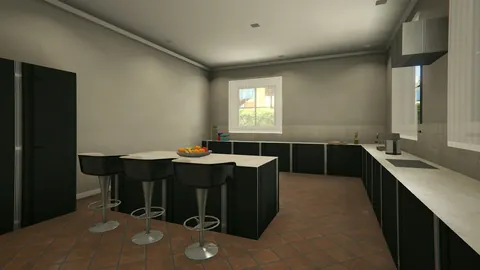
Day and night lighting in MLOs: emissives, lights and timecycles
How we light FiveM MLOs so they hold up at noon and at 3 a.m.: real light sources, emissive shaders, per-room timecycle modifiers and the mistakes to avoid.
NXBy Team NolX
· 4 min read
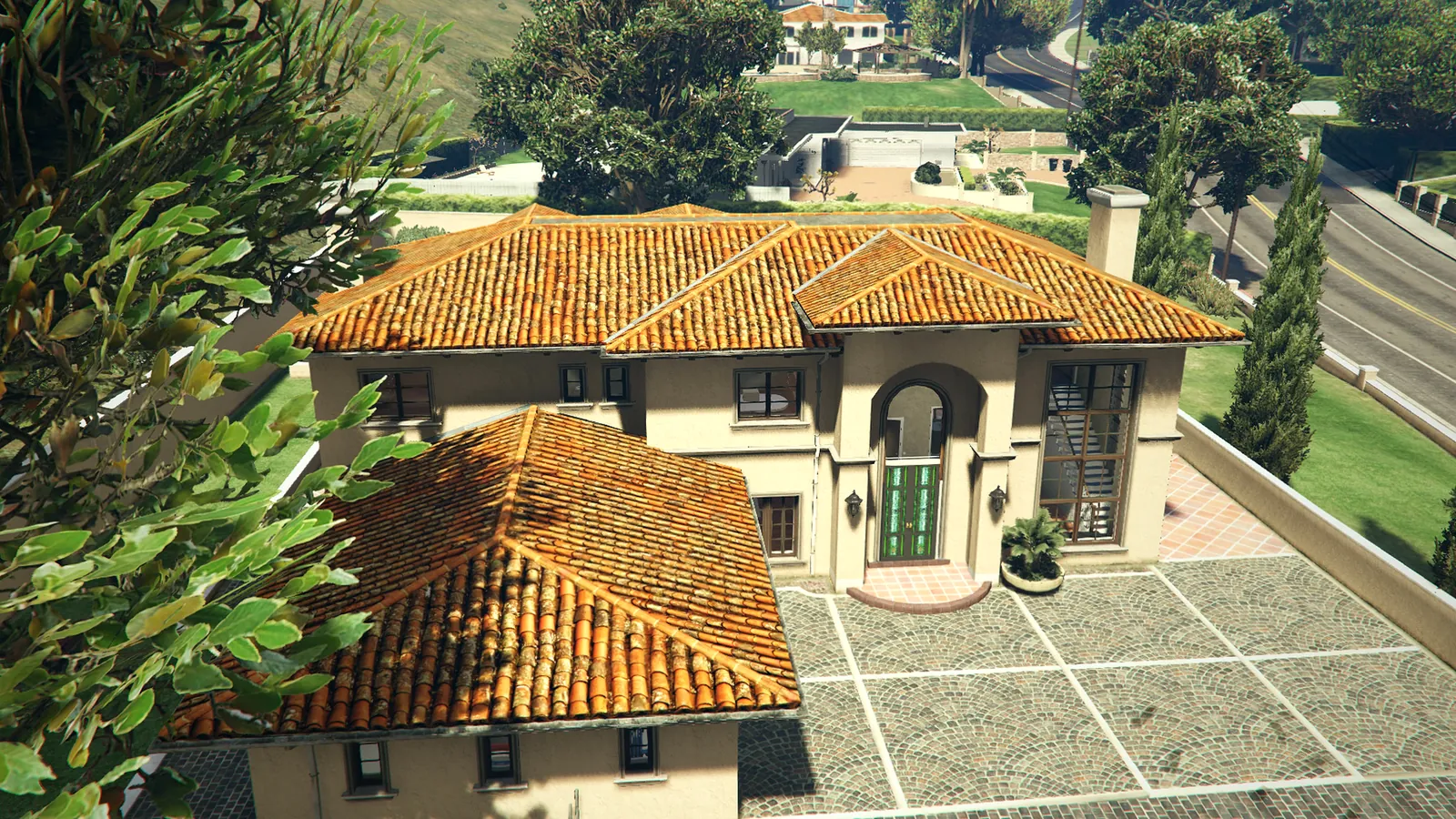
You walk into a house, look back through the front door, and the street outside is gone. Or you step through a doorway and the whole room blinks out for a frame. Or a wall disappears when you stand in one exact spot. These are the classic interior bugs in FiveM, and almost all of them come down to one system: rooms and portals.
An MLO (multi-level object, the format GTA V uses for interiors) isn't one big model. It's split into rooms. Each room holds its own geometry and props. Rooms are connected by portals: flat, invisible rectangles placed in doorways, windows and openings.
There's also a special room, usually called limbo, that represents the outside world. Portals that lead outside connect to limbo.
The engine uses this structure to decide what to draw:
If a room isn't visible through any chain of portals, it isn't drawn. That's how a large furnished house like the Library Manor stays cheap: you only pay for the rooms you can actually see into.
With that model in mind, the bugs make sense.
Each room has bounds. If the camera sits slightly outside every room's bounds, in a gap between two rooms or just past an exterior wall, the engine doesn't know where you are. It may treat you as outside, stop drawing the interior, then snap back a frame later. That's the classic flicker when walking through a doorway or with the third-person camera clipping into a wall.
Fix (mapper side): room bounds that overlap slightly at doorways and fully cover the playable space, including stairwells.
If a portal doesn't fully cover its doorway, the engine clips the next room to a smaller shape than the actual opening. You see a slice of the next room and nothing around it. Portals that sit a little off the door frame cause rooms to vanish at certain angles.
Look out a window and see grey void or sky? The window probably has no portal linking to limbo, or it's flagged wrong. The engine has no reason to draw outside, so it doesn't.
Portals have flags, like mirror portals for reflective surfaces or one-way behaviour. A wrong flag can make a room render only from one side.
Doors in MLOs are usually separate props placed in the doorway. They need to line up with their portal. If the door model is placed slightly into the next room, part of it can disappear when you look at it from one side, because it belongs to a room that's being clipped.
Server owners also run into doors through scripts. Door lock systems use the door's model hash and coordinates, so if you lock doors in a custom interior you need the exact position:
-- client-side quick check: print the closest door-like object to you
local ped = PlayerPedId()
local coords = GetEntityCoords(ped)
local obj = GetClosestObjectOfType(coords.x, coords.y, coords.z, 2.0, `v_ilev_ra_door4l`, false, false, false)
if obj ~= 0 then
    print(GetEntityModel(obj), GetEntityCoords(obj))
end
Swap the model name for whatever door the interior uses (CodeWalker shows it). Most door lock resources then want that hash and position in their config.
The other big source of flicker is two interiors occupying the same space. This happens when:
The engine picks one interior for the camera, then the other, and you get rapid flashing between them. The fix is to remove one: disable the vanilla interior in a ymap, or remove the duplicate resource. Our game build article covers the build-update case.
Some "flicker" is actually lighting. Each room can have its own timecycle modifier, which controls ambient light and colour grading. When you cross between rooms with very different modifiers, the change is instant. That's working as intended, but mismatched modifiers between connected rooms look like a glitch. We build our maps with day and night lighting tuned so moving between rooms doesn't jump.
| Symptom | Likely cause |
|---|---|
| Room blinks out at a doorway | Camera between room bounds |
| Outside world missing through window | No limbo portal |
| Rapid flashing in one spot | Two interiors overlapping |
| Part of a door vanishes | Door placed across portal boundary |
| Walls disappear at certain angles outside | Old occlusion |
Most of these need fixing in the MLO itself, which means the mapper. But knowing which one you're looking at saves a lot of guessing when you report it.
Keep reading
How we light FiveM MLOs so they hold up at noon and at 3 a.m.: real light sources, emissive shaders, per-room timecycle modifiers and the mistakes to avoid.
How Team NolX builds a furnished FiveM MLO, from blockout and CodeWalker to Blender and Sollumz, rooms and portals, entity sets and day and night testing.
Occlusion lets GTA V skip geometry hidden behind walls and terrain. Here's how it works, why custom maps break it, and what that means for your server's FPS.