
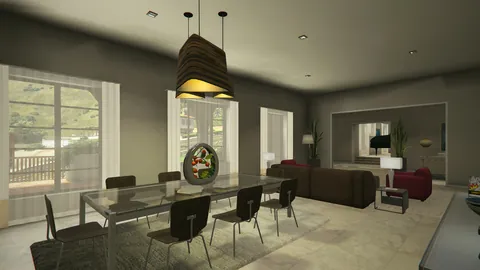
What is a FiveM MLO? A plain-English guide for server owners
A clear explanation of what a FiveM MLO is, how it differs from a teleport interior or a prop map, and what to check before you add one to your server.
NXBy Team NolX
· 4 min read
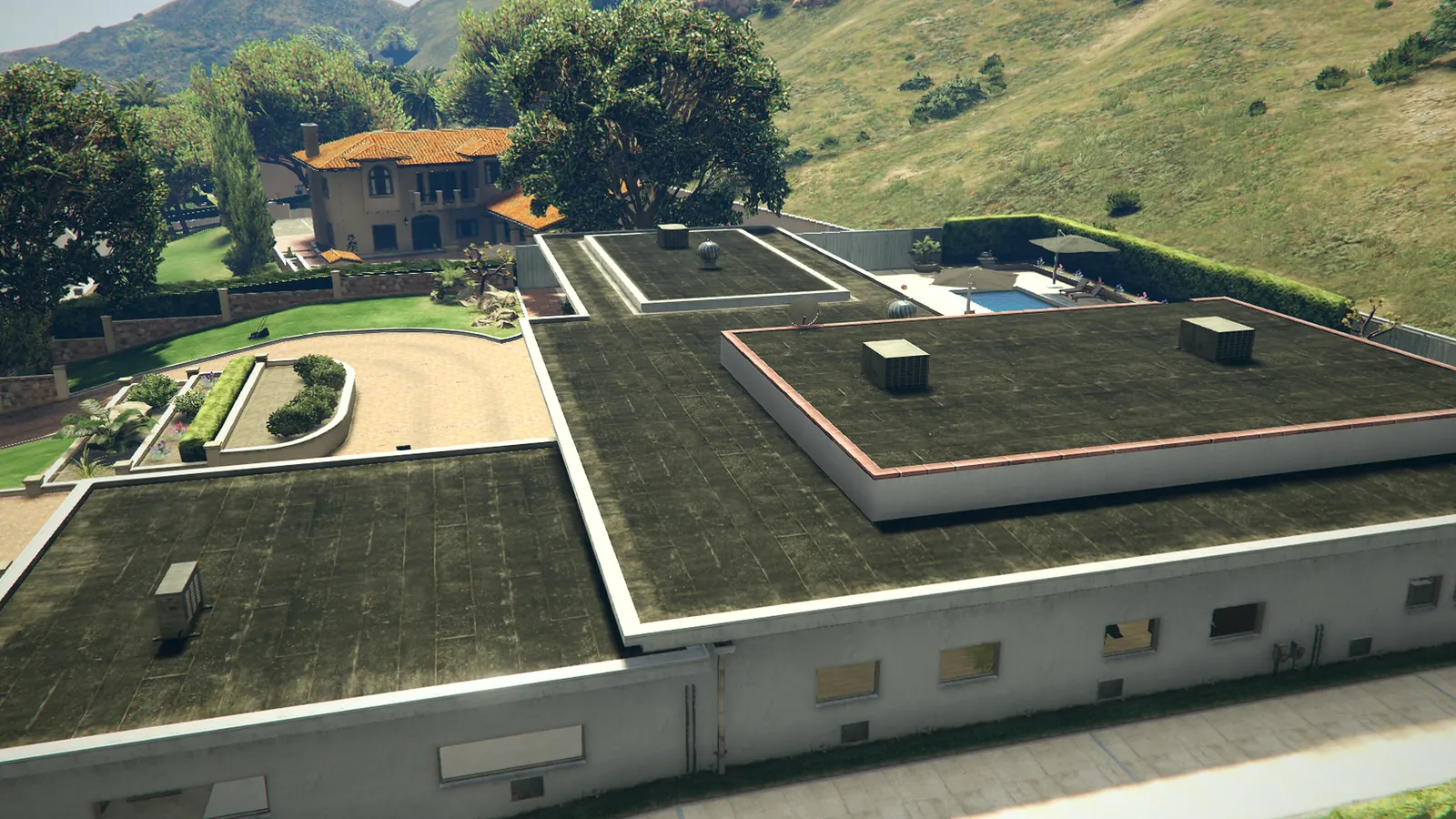
Adding a map feels like a five-minute job. It usually is, until it breaks something on a Friday night with 80 players online. This is the checklist I go through before any new map goes on a live server. Copy it, change it, pin it in your staff channel.
Ask who will use the building and how often. A gorgeous mansion nobody lives in is just streaming cost. A modest cook house that your drug RP scene fights over every night is worth ten mansions.
Escrowed assets are granted to the Cfx.re account used at checkout, and only run on a server whose license key belongs to that same account. Buy from the account that owns your server key. If your developer buys it on their own account, it will not run on your server.
Check the requirement against your sv_enforceGameBuild. Our Richman maps need 2944 or newer, the Grapeseed and Sandy ones need 3717 or newer. If you need to raise yours, read the game build guide first and plan it as its own change.
Two maps in the same area often ship edited copies of the same vanilla files and override each other. List every map you run within a couple of blocks of the new one. If there is overlap, plan a merge or use a single pack resource for that area. The full explanation is in why two maps of the same area break each other.
If the modified vanilla files are encrypted, you cannot check or fix conflicts yourself. I would not buy a map for a crowded area without readable vanilla files.
server.cfg and your resources folder, or at least note the current state in git.Never install a new map straight onto live. A local or private test server with the same build and the same map resources is enough.
ensure in server.cfg.If you hit something, the common MLO bugs guide maps symptoms to causes.
A simple table saves you a lot of guessing six months later:
resource                 area           build   vanilla edits   added
pps_richman_pack         Richman        2944    yes (merged)    2026-01-27
pps_grapeseed_pack       Grapeseed      3717    yes (merged)    2025-10-12
other_gas_station        Sandy          2944    yes             2025-06-03
When a bug appears in an area, you know which resources to look at immediately.
When a map gets an update, download the new version from portal.cfx.re (Granted Assets), compare with your current copy, and keep any merges you made to vanilla files. Overwriting a merged file with the fresh one brings the conflict straight back.
Every quarter, look at which maps actually see roleplay. Dropping unused content is the cheapest performance upgrade you will ever make.
Many map shops, ours included, do not offer one-to-one support. Read the FAQ before buying so you know what is covered, and make sure someone on your team is comfortable with the basics: reading server.cfg, comparing stream folders, opening a ymap in CodeWalker. That person is worth more than any single map.
If you are planning several buildings in one area, a bundle like the Richman Estates Pack is easier to maintain than a handful of standalones, because the vanilla files are already merged.
Keep reading
A clear explanation of what a FiveM MLO is, how it differs from a teleport interior or a prop map, and what to check before you add one to your server.