

Updating your FiveM server game build without breaking maps
How sv_enforceGameBuild works, why newer maps need a recent build, and a safe step-by-step process to update your server without missing interiors.
NXBy Team NolX
· 4 min read
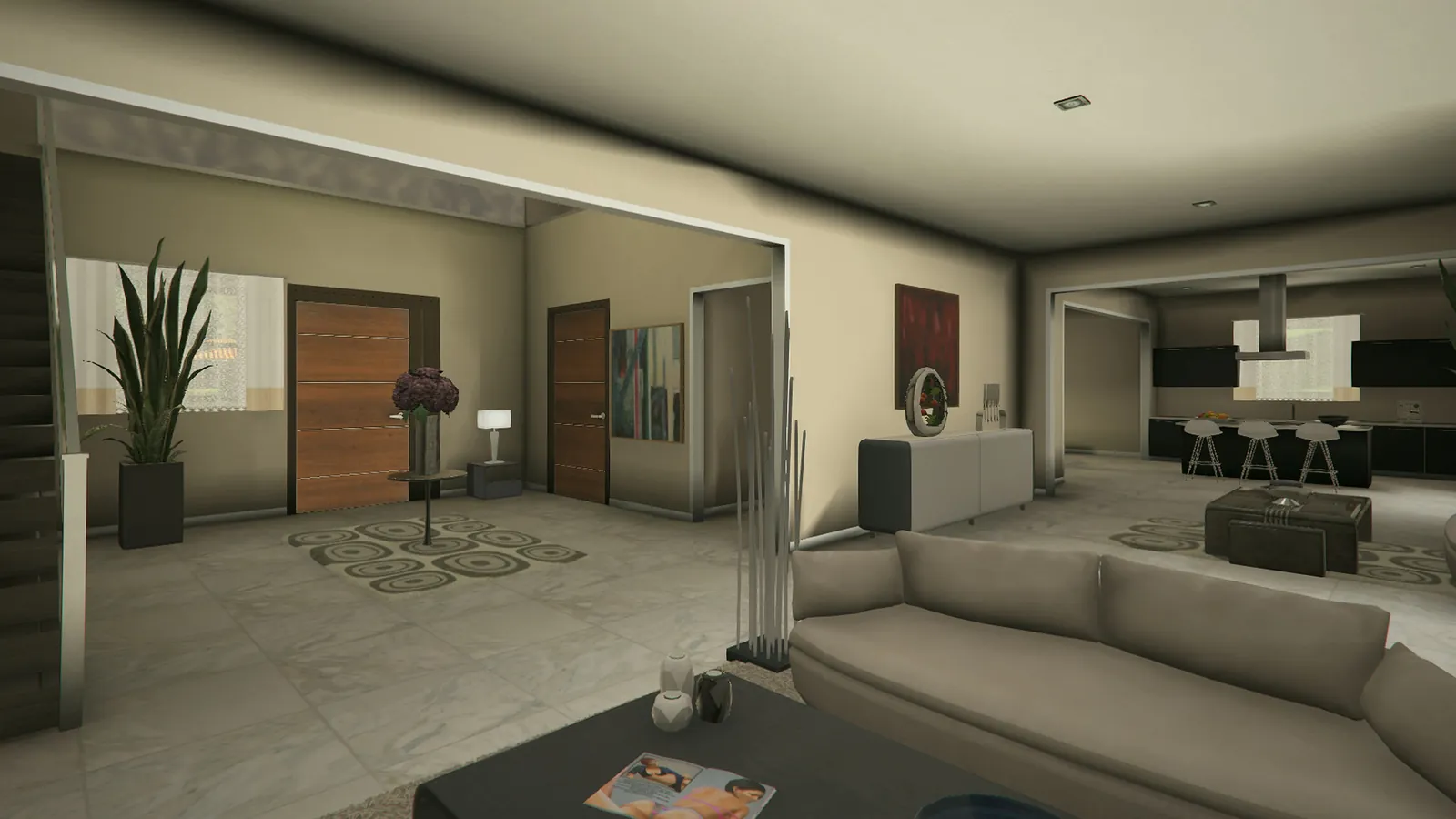
Every few days someone posts a screenshot of a house with no walls, or a player standing on thin air in Grapeseed, and asks why the map is broken. Nine times out of ten the map is fine. The server is running an older game build than the map was made for.
GTA V gets updated with each DLC. Every update adds new props, textures, vehicles and sometimes new or changed map files. Each of those game versions has a build number.
FiveM can run several of these builds. By default it uses an old baseline build to stay compatible with everything. The sv_enforceGameBuild setting tells FiveM which build your server, and therefore every connected client, should use.
# server.cfg
sv_enforceGameBuild 3717
When a player joins, FiveM checks the setting and loads the matching game data on their machine. If they do not have it yet, they download it once on first connect.
A custom MLO is not built from nothing. Mappers reuse Rockstar's props constantly: chairs, fridges, fences, lamps, plants. If the map uses a prop that was added in a later update, that prop simply does not exist on an older build. The game will not throw an error. It just draws nothing.
It goes further than furniture:
So when a listing says "requires build 2944", it means the map was built and tested against that game data, and anything older is not supported.
Our Richman houses, including the Richman Hilltop Mansion, were built against build 2944, so that is the minimum. The Grapeseed and Sandy Shores buildings were made later against 3717 and rely on its data, so they need 3717 or newer.
"Or newer" is the important part. If you run 3717, the Richman maps work too. You never need to run two builds; you just need the highest minimum among the maps you use.
Look in server.cfg for the line. If it is missing, you are on the default baseline build, which is too old for most modern maps.
You can also confirm in the server console at startup, where FiveM reports the game build it is enforcing. Players can see it in their client too, but the server config is the source of truth.
Changing the build is usually painless, but do it deliberately:
server.cfg. Obvious, often skipped.sv_enforceGameBuild, once, near the top of the file. Do not leave two lines with different values.If something breaks after raising the build, the cause is almost never the build itself. It is usually a resource that was relying on old data. Fix that resource rather than dropping the build back down.
My opinion: pick the newest build that FiveM supports and that your important resources have been tested on, then leave it alone. Chasing every new release creates work. Staying years behind locks you out of most current maps and vehicles.
If you are starting a new server, there is no reason to sit on the baseline. Set a modern build on day one and you will avoid a whole category of "why is this map broken" tickets.
sv_enforceGameBuild line further down overriding yours.For the rest of the install process, the step-by-step MLO install guide picks up from here.
Keep reading
How sv_enforceGameBuild works, why newer maps need a recent build, and a safe step-by-step process to update your server without missing interiors.
A practical guide to the usual FiveM MLO bugs, from invisible walls and missing floors to flickering rooms and dark interiors, with the real cause behind each.
A practical walkthrough for wiring an MLO into your server with ox_doorlock, ox_inventory stashes and ox_target, plus how to handle ownership for housing.