
Doors, portals and flickering interiors: a mapper's explanation
Why FiveM interiors flicker, vanish through doorways or show the outside world: how MLO rooms and portals work and what usually goes wrong with them.
NXBy Team NolX
· 4 min read
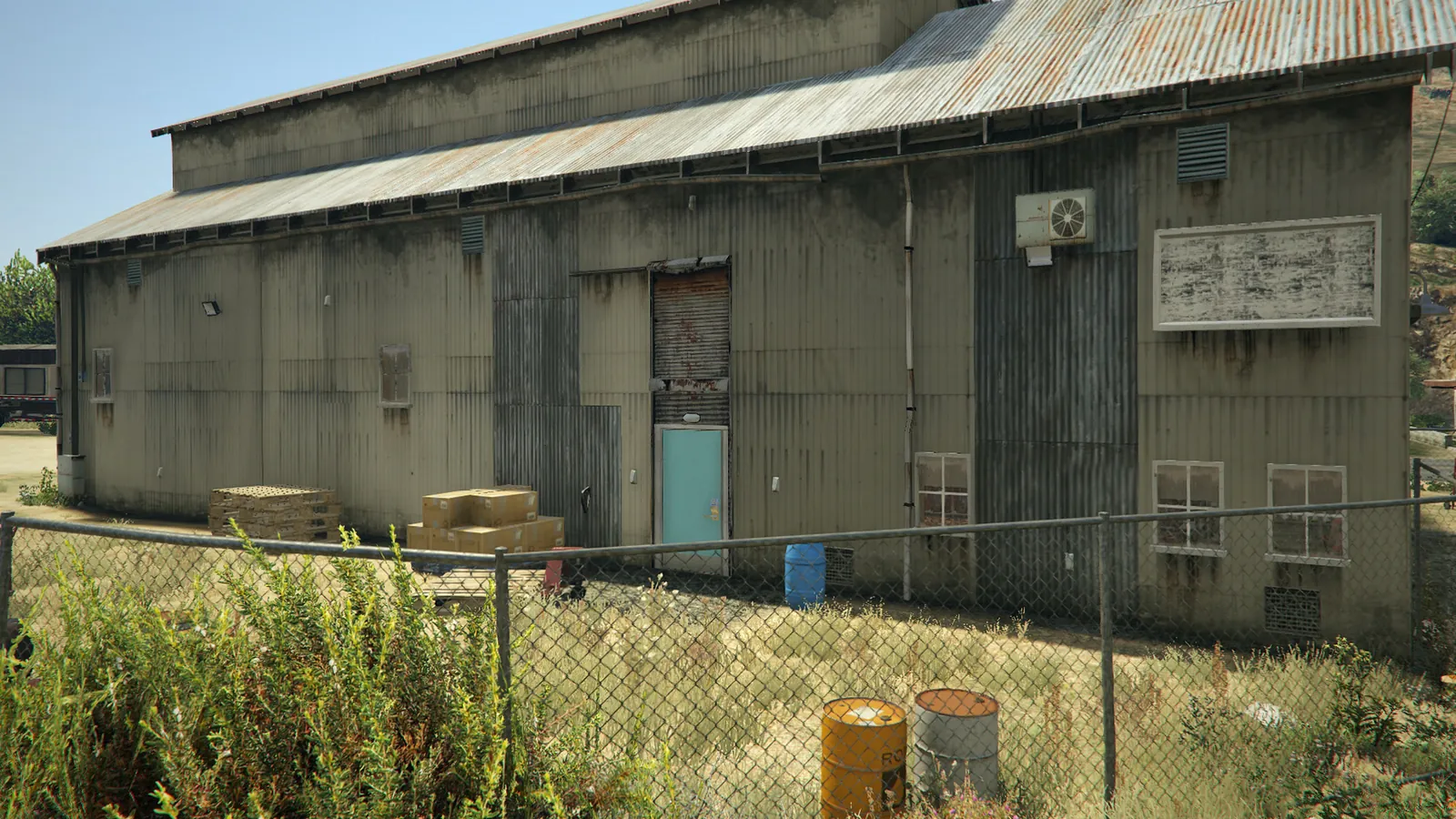
You install a new house in Grapeseed. It looks great. Then someone reports that the store across the road, a map you have had for months, now has a vanilla building sticking through its roof. Nothing in the console. No errors. Just two maps that cannot live together.
This is the most common map problem I get asked about, and it has a simple cause.
GTA V streams files by name. If two resources both stream a file called, say, area_strm_3.ymap (a made-up name for the example), the game does not merge them. It loads one and ignores the other.
Now remember how an MLO replaces a building. The mapper edits Rockstar's original map files for that area:
Those edited copies keep the original file names. That is how replacing vanilla data works.
So if Map A and Map B sit in the same area, there is a good chance they both ship an edited copy of the same vanilla file. Map A's copy removes the old barn. Map B's copy removes the old shed. Only one copy loads. Whichever loses, its building is back, overlapping the new interior.
The symptoms depend on which file lost:
The fun part is that it can flip between restarts depending on load order, so the bug "comes and goes" and everyone blames the last thing they installed.
You do not need special tools for a first check. Look inside the stream folders of the two suspected maps and compare file names. Any name that appears in both is a conflict.
If you are comfortable in a terminal, something like this on a Linux host lists duplicates across all your map resources:
find resources/\[maps\] -type f \( -name "*.ymap" -o -name "*.ybn" \) \
  -printf "%f\n" | sort | uniq -d
Each line it prints is a file shipped by more than one resource. On Windows, sorting the stream folders by name side by side in Explorer works too.
You can only do this check if the files are readable. Some sellers encrypt their vanilla edits through escrow, which makes conflicts impossible to see, let alone fix. Ours are left unencrypted for exactly this reason.
The proper fix is to combine both sets of edits into one file.
Collision files are harder. Merging two edited ybn files usually means going into Blender with Sollumz and cutting both holes into one collision. If you are not used to it, budget an evening, not ten minutes.
Then test both maps from every side.
This is why we sell buildings from the same area as packs. Every standalone building ships with its own copies of the vanilla files it needs, which means two standalone buildings from the same area share those files and cannot be combined as standalones. The packs bundle them into one resource with merged, conflict-free vanilla files:
pps_grapeseed_pack for Grapeseed, see the Grapeseed Country Packpps_richman_pack for the Richman estatespps_sandy_pack for the Sandy Shores trailersIf you want more than one building in an area, the pack is the clean route. You replace your standalones with it rather than running both.
Sometimes the honest answer is that two maps want the same lot, and no merge will help. Two interiors physically overlapping is not a file problem; it is a planning problem. Decide which one your roleplay needs more and drop the other.
Conflicts are not a sign of a badly made map. They are a side effect of how GTA streams files. Once you know that, they stop being mysterious and become a fifteen-minute check.
Keep reading
Why FiveM interiors flicker, vanish through doorways or show the outside world: how MLO rooms and portals work and what usually goes wrong with them.
How we light FiveM MLOs so they hold up at noon and at 3 a.m.: real light sources, emissive shaders, per-room timecycle modifiers and the mistakes to avoid.
How Team NolX builds a furnished FiveM MLO, from blockout and CodeWalker to Blender and Sollumz, rooms and portals, entity sets and day and night testing.