
Updating your FiveM server game build without breaking maps
How sv_enforceGameBuild works, why newer maps need a recent build, and a safe step-by-step process to update your server without missing interiors.
NXBy Team NolX
· 4 min read
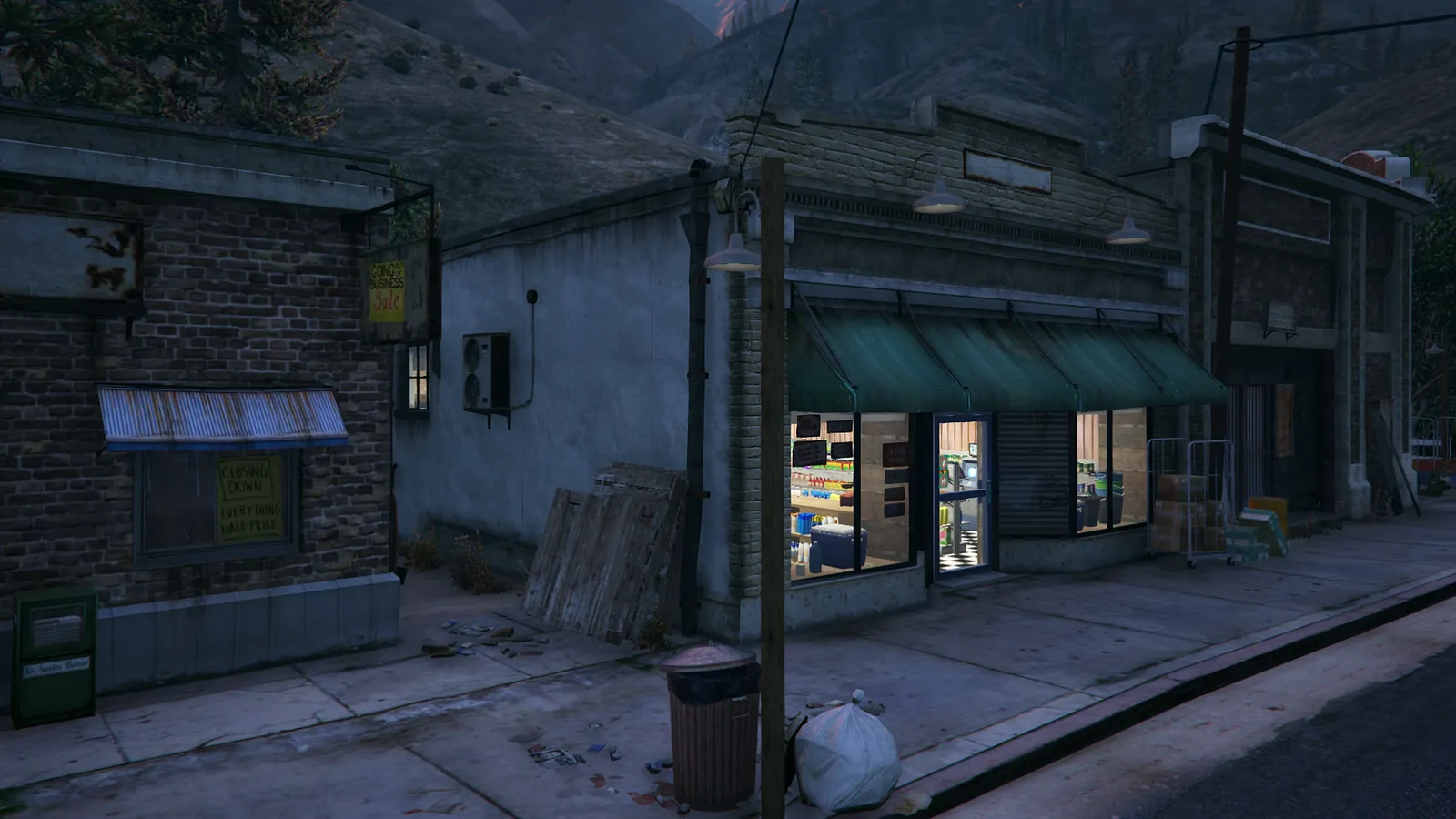
Installing an MLO is not hard. Most of the problems I see come from skipping a step, usually the game build or the license key. Here is the order I follow every time, whether it is a single trailer or a full estate.
Most paid maps today are delivered through Cfx.re Asset Escrow. After checkout on Tebex (which asks you to log in with your Cfx.re account), the asset is granted to that account.
pps_grapeseed_general_store.One rule that catches people out: an escrowed resource only runs on a server whose license key belongs to the account the asset was granted to. If your developer bought the map on their personal account and your server key is on the owner's account, it will not start. Sort that out before you buy, not after.
Open your server.cfg and look for sv_enforceGameBuild. If the map needs a newer build than you run, the props it relies on simply will not exist on the client, and you get missing walls or invisible floors.
# server.cfg
sv_enforceGameBuild 3717
For our maps: Richman interiors need 2944 or newer, Grapeseed and Sandy Shores interiors need 3717 or newer. Higher is fine. If you are not sure what this setting does or what raising it affects, read the sv_enforceGameBuild guide before changing it on a live server.
Unzip and place the folder inside your resources directory. I like to keep maps in their own category folder so they are easy to find later:
resources/
  [maps]/
    pps_grapeseed_general_store/
      fxmanifest.lua
      config.lua
      stream/
        ...
Square brackets around a folder name make it a category. FiveM scans inside it but does not treat it as a resource itself.
Do not rename the resource folder of an escrowed asset. Keep the name it came with.
Add one line:
ensure pps_grapeseed_general_store
If you used a category folder, you can also ensure [maps] to start everything in it, but listing each map explicitly makes it easier to disable one when debugging.
Put map resources before scripts that depend on them (door locks, housing, target zones). Not strictly required for streaming, but it keeps startup predictable.
Many MLOs ship with a config.lua that lets you choose which furniture or decoration sets are active. Ours are left unencrypted for this. Open it, read the comments, change the values, save. If you want to switch them live from your own scripts instead, see entity sets in FiveM.
For a new map, do a full server restart rather than restart resourcename from the console. Streamed map files, especially edited vanilla ones, do not always reload cleanly while players are connected.
On your own client, clear the cache if you had an older version of the map before:
%localappdata%\FiveM\FiveM.app\data\cache
Delete the contents of that folder (FiveM closed) and reconnect. Players will download the new files automatically.
Fly in with noclip and everything looks perfect. Walk in and things break. My test routine:
/time 23 or whatever your weather script uses).The common MLO bugs article covers what each symptom usually means.
The map gives you physical doors. Locking them is your door lock script's job (ox_doorlock, qb-doorlock and so on). Add the doors in that script using their in-game position and model. Same for housing systems, stashes or job zones: those all need the coordinates of the new interior.
Check the server console right after startup. The usual suspects:
ensure line, or the folder is nested one level too deep (a folder inside a folder after unzipping).That is the whole process. Once you have done it twice it takes five minutes, plus however long you spend walking around admiring the place.
Keep reading
How sv_enforceGameBuild works, why newer maps need a recent build, and a safe step-by-step process to update your server without missing interiors.
A practical guide to the usual FiveM MLO bugs, from invisible walls and missing floors to flickering rooms and dark interiors, with the real cause behind each.
A practical walkthrough for wiring an MLO into your server with ox_doorlock, ox_inventory stashes and ox_target, plus how to handle ownership for housing.