
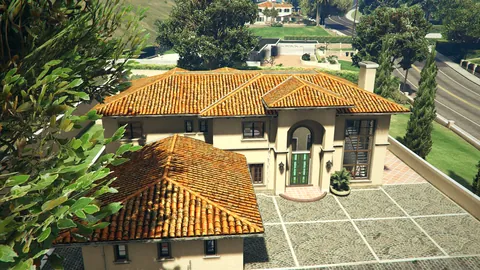
Doors, portals and flickering interiors: a mapper's explanation
Why FiveM interiors flicker, vanish through doorways or show the outside world: how MLO rooms and portals work and what usually goes wrong with them.
NXBy Team NolX
· 4 min read
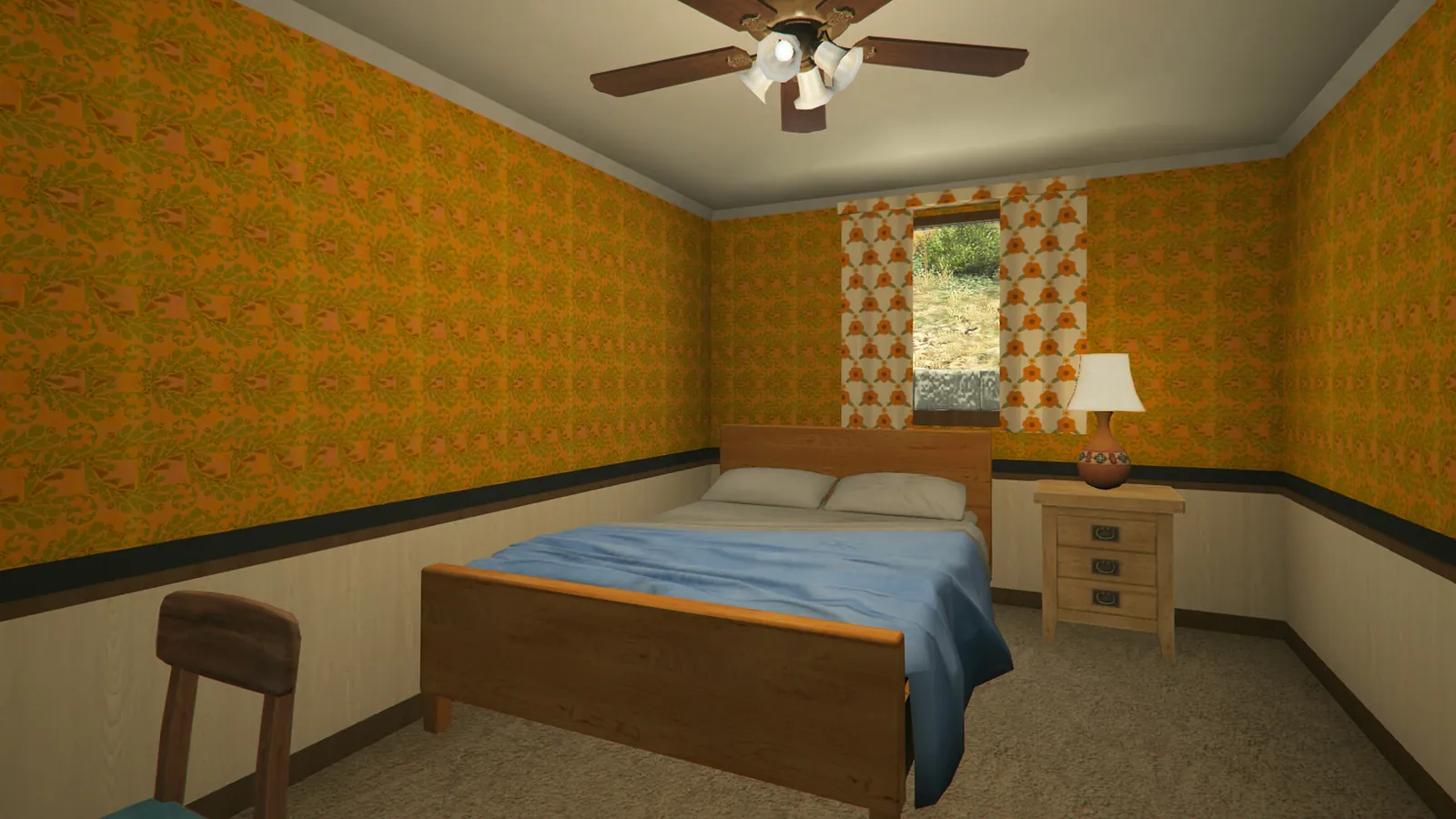
Open the stream folder of any MLO and you get a wall of files with strange extensions. Once you know what each one does, debugging a map gets much easier, because most bugs point straight at one file type.
| Extension | What it holds | Think of it as |
|---|---|---|
.ymap |
Placements of objects in the world | The floor plan |
.ytyp |
Archetype definitions, MLO rooms, portals, entity sets | The catalogue and blueprint |
.ybn |
Collision geometry | What you can touch |
.ydr |
A single model | One object |
.ydd |
A dictionary of several models | A box of objects |
.yft |
A fragment model (breakable or with physics parts) | Objects that move or break |
.ytd |
Texture dictionary | The paint |
Now the longer version.
A .ymap lists entities and their positions, rotations and settings. "Put a chair model here, rotated 90 degrees." It also holds the placement of the MLO itself in the world, plus things like car generators, timecycle modifiers and occlusion data.
Rockstar's map is split into hundreds of ymaps by area. When a mapper removes a vanilla building, they are usually editing one of these vanilla ymaps to delete that entity. That is the reason two maps in the same neighbourhood can conflict, which is explained in why two maps of the same area break each other.
A .ytyp defines archetypes: the model name, its bounding box, its texture dictionary, its LOD distance, flags. For an MLO, the .ytyp is where the interior really lives:
FiveM needs to be told to load custom .ytyp files. In the fxmanifest.lua you will often see:
fx_version 'cerulean'
game 'gta5'

this_is_a_map 'yes'

data_file 'DLC_ITYP_REQUEST' 'stream/my_interior.ytyp'
this_is_a_map 'yes' tells FiveM the resource contains map data. The data_file line makes sure the archetypes are registered. On escrowed maps you do not need to touch this, but it is worth recognising.
Collisions are completely separate from what you see. A wall can be perfectly visible and have no collision, so you walk through it. Or there can be collision where nothing is drawn: the infamous invisible wall.
Interiors usually have their own .ybn, and MLOs that replace a vanilla building ship an edited vanilla .ybn with the old building's collision cut out. If that edited file gets overridden by another resource, the old collision comes back. The common MLO bugs guide walks through how to spot it.
These are the actual 3D meshes.
Each model also carries its LODs, the lower-detail versions shown at distance. A model with bad or missing LODs looks fine up close and pops horribly as you drive in.
Texture dictionaries hold the images models use. A .ytd can be embedded in a model or shared between many.
Textures are where performance quietly dies. A single house with uncompressed 4K textures on every cushion can push players with mid-range graphics cards over their streaming memory budget. The symptom is "texture loss": blurry or missing textures across the city, not just in the new map. If that starts after you add a map, check the size of its .ytd files.
When a player approaches a building, the game roughly does this:
If step 5 is slow or a file is missing, you get the "fell through the world on arrival" bug. If a portal in step 2 is wrong, rooms vanish when you look through doorways.
You do not need to master either to run a server. But being able to open a ymap in CodeWalker and see which entities it removes or adds will save you hours. It is also why we leave our modified vanilla files unencrypted: so you, or whoever manages your maps, can open them and merge when needed.
Keep reading
Why FiveM interiors flicker, vanish through doorways or show the outside world: how MLO rooms and portals work and what usually goes wrong with them.
How we light FiveM MLOs so they hold up at noon and at 3 a.m.: real light sources, emissive shaders, per-room timecycle modifiers and the mistakes to avoid.
How Team NolX builds a furnished FiveM MLO, from blockout and CodeWalker to Blender and Sollumz, rooms and portals, entity sets and day and night testing.